STEP 01
ON YOUR MACHINE
Connect
Point it at a local stdio server, a remote SSE or HTTP MCP endpoint, an A2A card, or an imported OTEL trace.
→Connect to your MCP and A2A agents, inspect the tool path, replay the run that failed, and export a regression suite your CI can run. It is a desktop IDE. The trace stays on your disk.
Source listed for review. Package, license, and desktop release proof must be verified before they are marketed as available. It is the local inspector that sits behind the Models app in App Data OS.
Connect the server. Replay the path. Ship the regression. The trace stays on disk.
Point it at a local stdio server, a remote SSE or HTTP MCP endpoint, an A2A card, or an imported OTEL trace.
→Record the agent path. Replay it with mocked tool outputs. Compare per-turn and per-tool across model versions.
→Generate a GitHub Action, JUnit report, PR comment, trace card, or AuraOne intake packet for the next reviewer.
Captured from the running app: connect the endpoint, inspect the tool trace, replay the failed run, compare model behavior, and export the CI suite. One desktop IDE. Nothing here touches our servers.
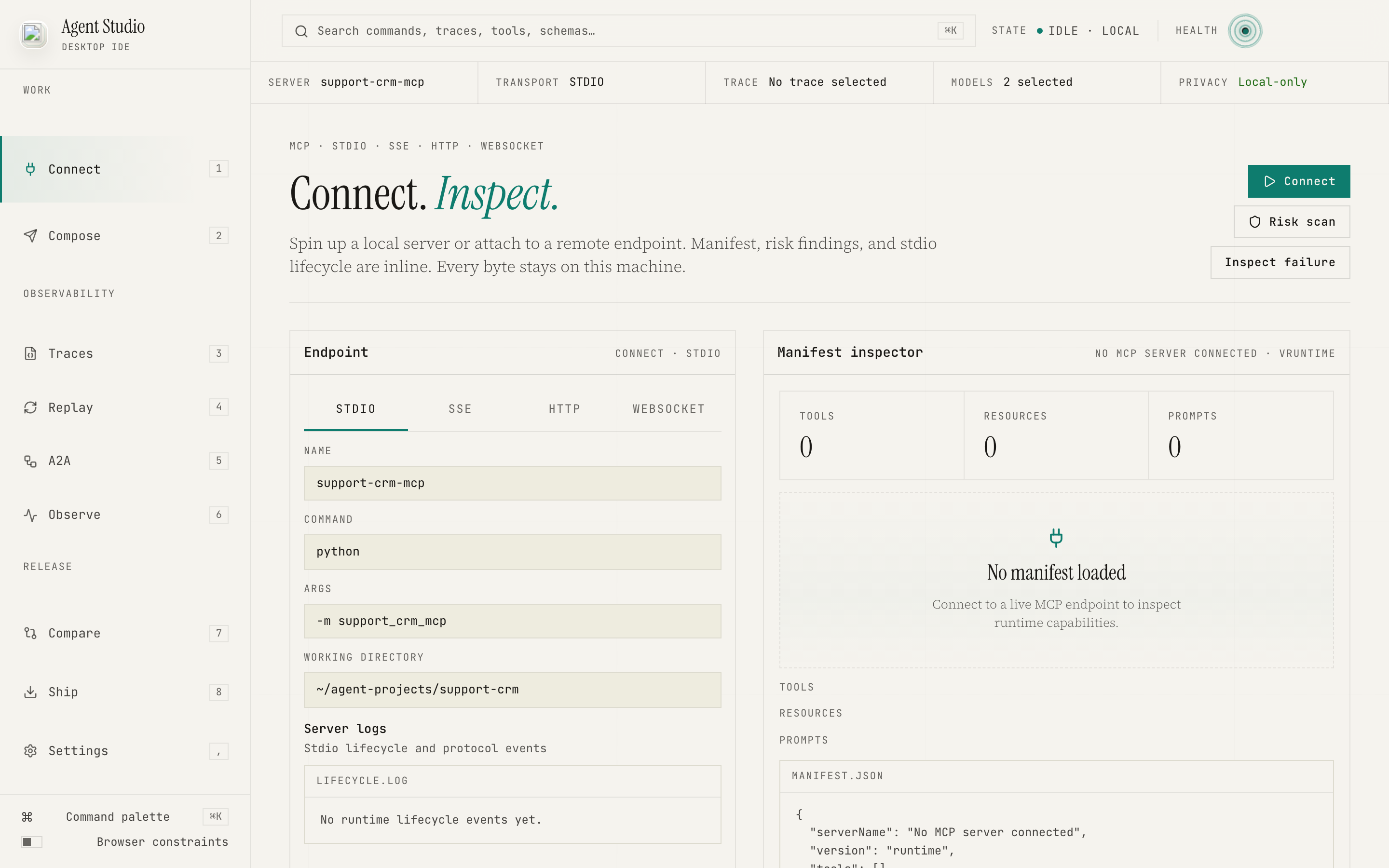
The workbench shows transport, command, manifest, risk scan, and lifecycle state before any trace is recorded.
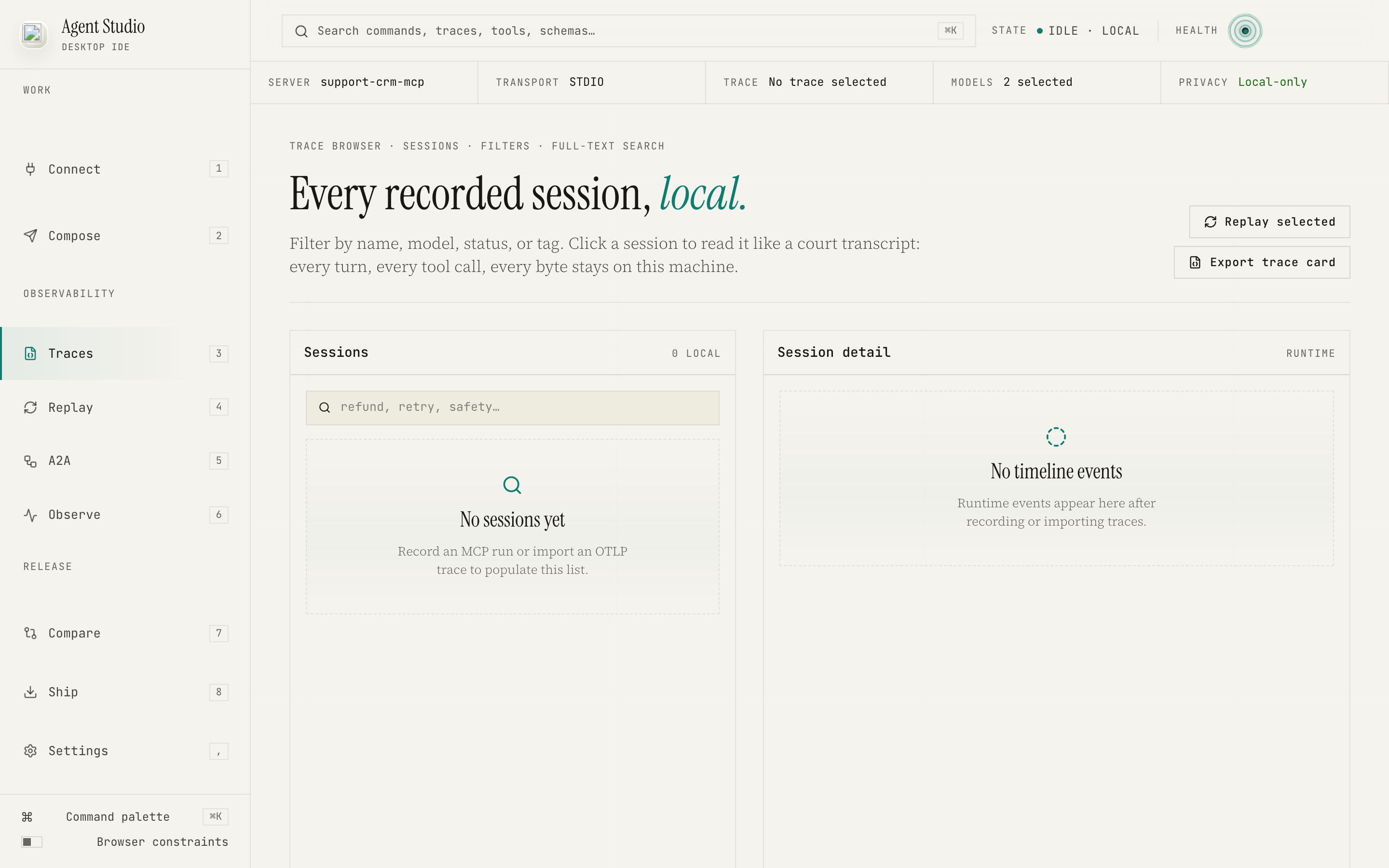
Tool inputs, outputs, retries, timing, and state transitions stay visible without pushing the run into a hosted debugger.
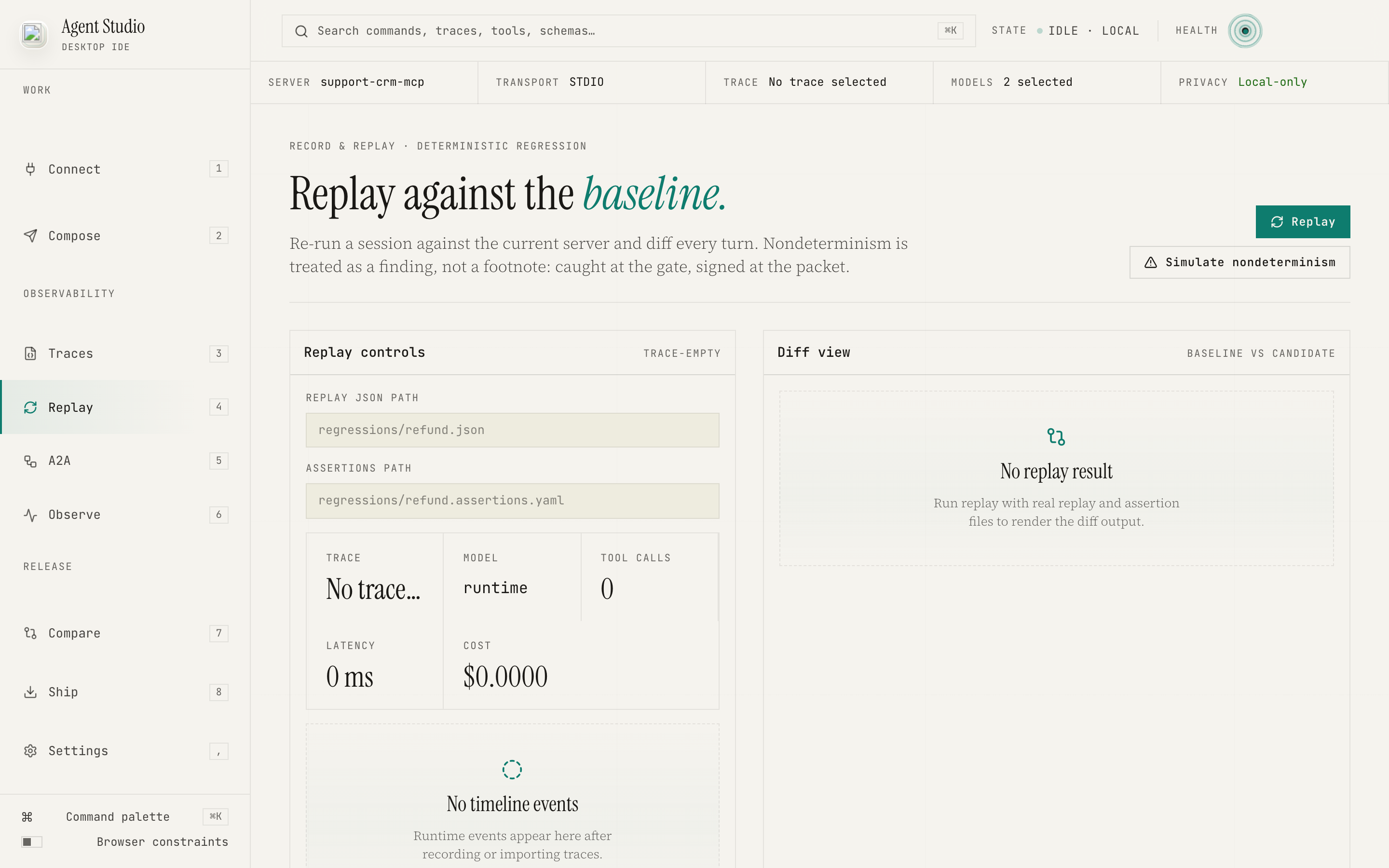
Mock tool outputs, lock the path, and make the next model or prompt revision prove it still clears the case.
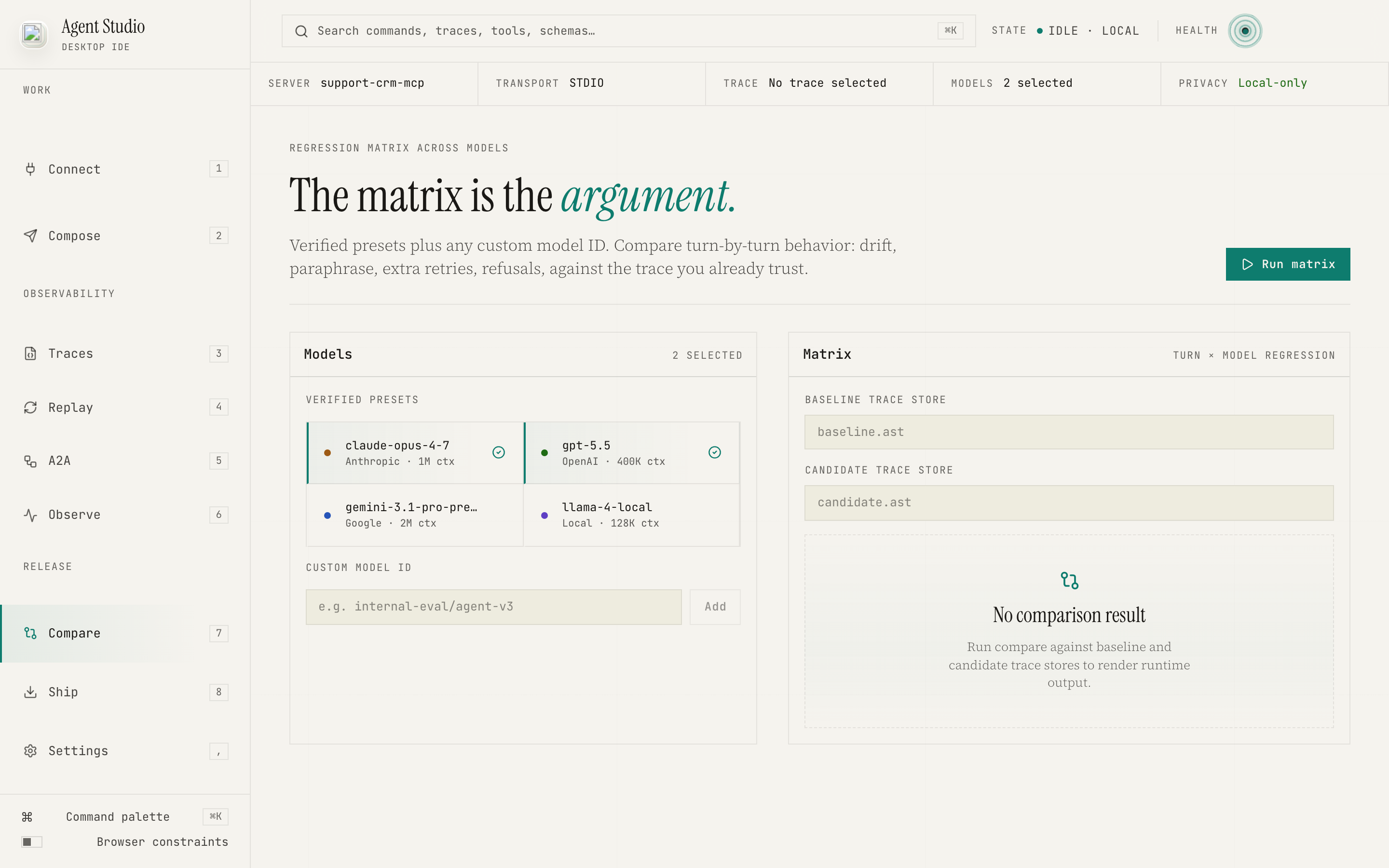
Replay diffs, model deltas, latency, and outcome changes sit beside the trace so reviewers can isolate what moved.
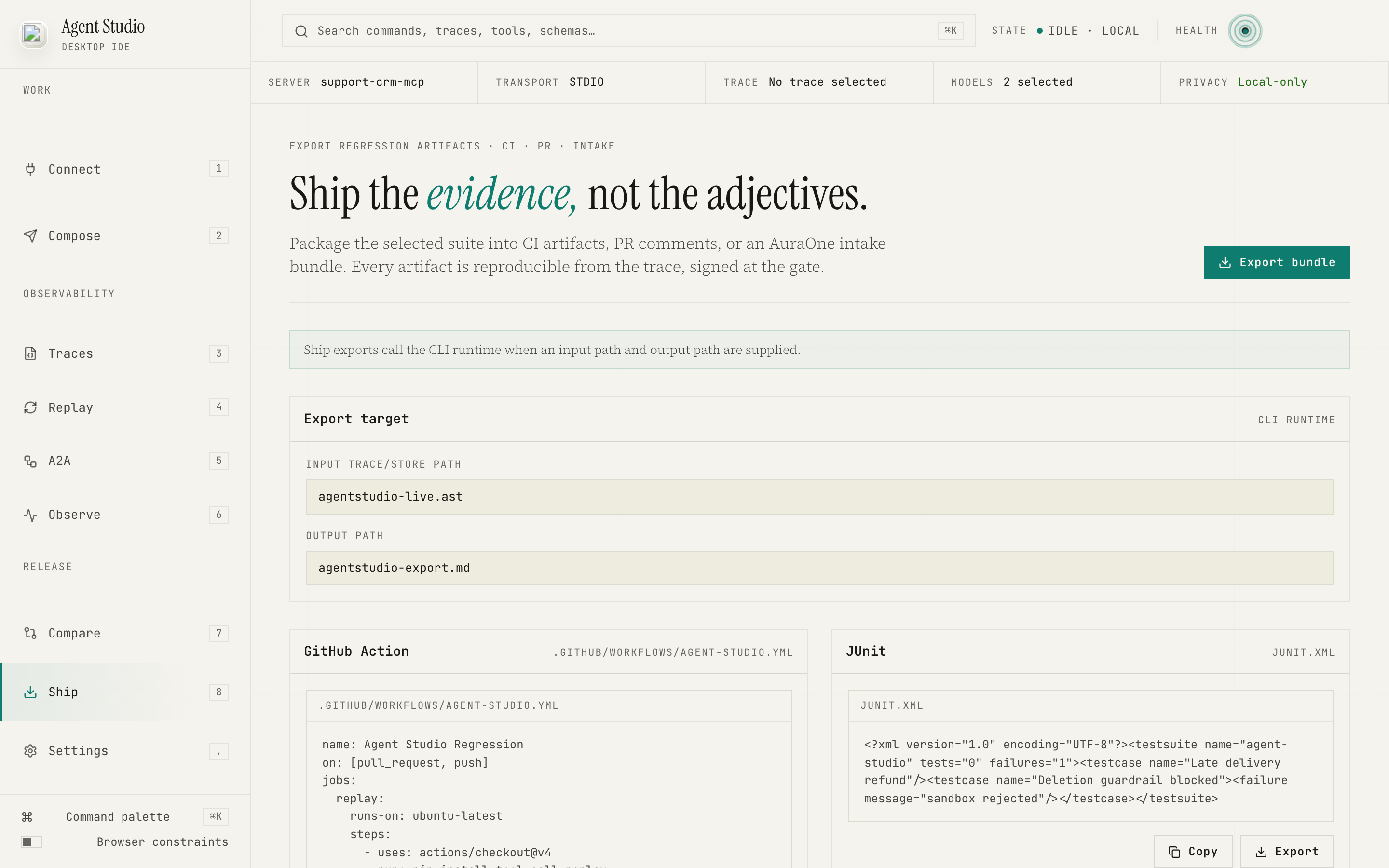
Ship repo-ready artifacts: trace cards, JUnit, GitHub Actions, PR comments, and AuraOne intake packets.
Repo-ready files. No hosted account. After a competitor lost four terabytes — including who its workers were — nobody wants tooling that pools their data. This never does.
Portable Markdown and JSON for one agent run: tools, retries, data touched, outcome, failure mode.
Every failed tool call becomes a deterministic replay the next release candidate must clear.
A drop-in workflow file that runs the replay set on every push and posts findings to the PR.
Standard XML for the CI dashboard your team already runs. No new viewer required.
Packaged .auraonepkg with a privacy preview before handoff to AuraOne reviewers.
MIT-oriented source is listed on GitHub. Package, release, checksum, desktop trust, and platform proof are required before install or binary availability claims are marketed.
File-based, git-friendly. Write the rubric, run it, keep the code.
See the page →Scrub synchronized sensor streams. Cluster failures. Export reviewed subsets.
See the page →Eval manifests, regression banks, contamination audits. Run them yourself before the EU AI Act clock hits August 2026.
See the page →Your tool calls, your replay artifacts — all on disk, no telemetry by default. LangSmith, Langfuse, Braintrust, and Arize trace what happened in the cloud. Agent Studio inspects it locally. Tracing is not release governance: send the intake packet to the Models app in App Data OS and the failed run becomes a signed release gate — and weights you keep.